Acorn & Brooks error codes

What are the Brooks & Acorn 130 T-700 error codes?

You may have noticed a small display on your stairlifts that flashes with a combination of letters and numbers. Remembering what they all mean can be difficult, especially if you have had your stairlift for a while and might have misplaced your manual. But don’t worry, we have listed out all of the error codes with a piece of text explaining what the codes mean and then the solution to fix it. Bear in mind that some error codes will be able to be fixed simply and quickly however, some will potentially require over-the-phone support or even a stairlift engineer to come out to you.

Standard Operating Codes

Lift will operate as normal

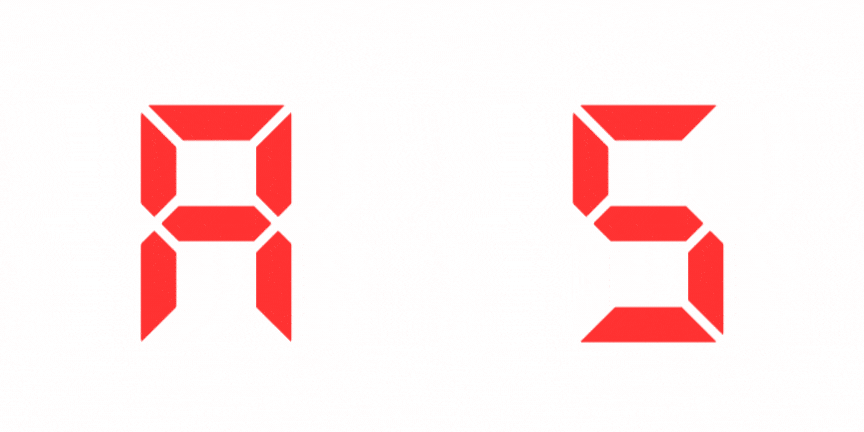
A4  Normal – Lift moving up (on remote)

Lift is in operation, and moving, upward. remote control has been activated

Lift is operating normally

A5 Normal – Lift moving down (on remote)

Lift is in operation, and moving, upward. remote control has been activated

Lift is operating normally

Find your stairlift spare parts on

Only Lifts Spares

Operating Error Codes

Lift will not operate

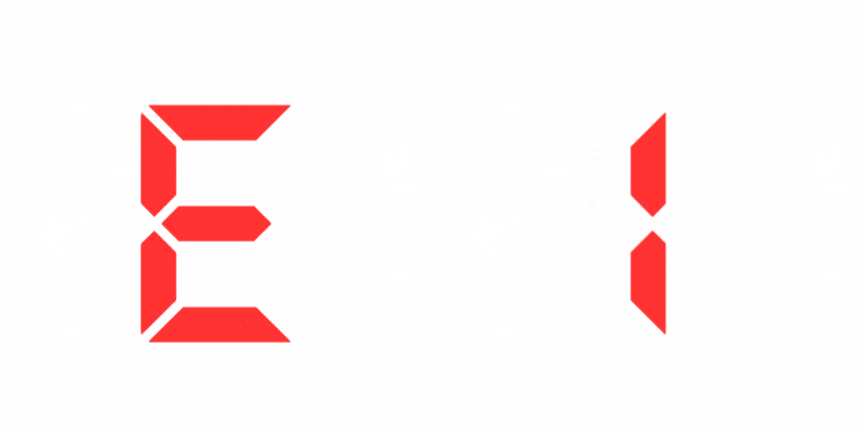
E1 Normal – Safety edge activated

Footrest UP safety edge has been activated

Check the footrest UP safety edge for obstruction

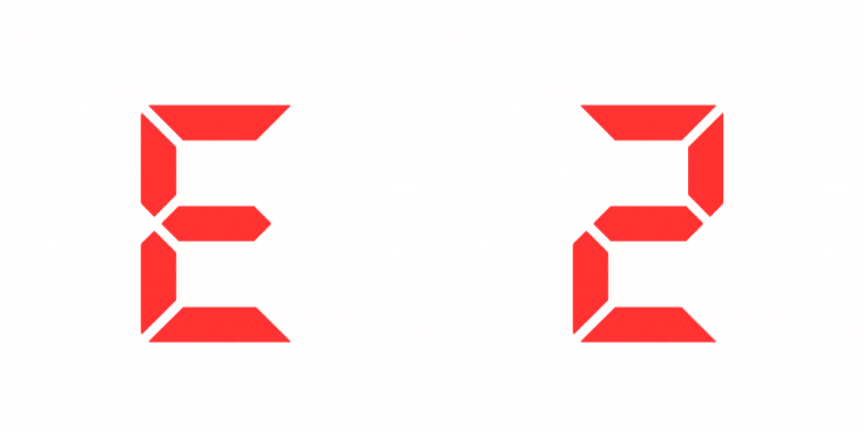
E2 Normal – Safety edge activated

Footrest DOWN safety edge has been activated

Check the footrest DOWN safety edge for obstruction

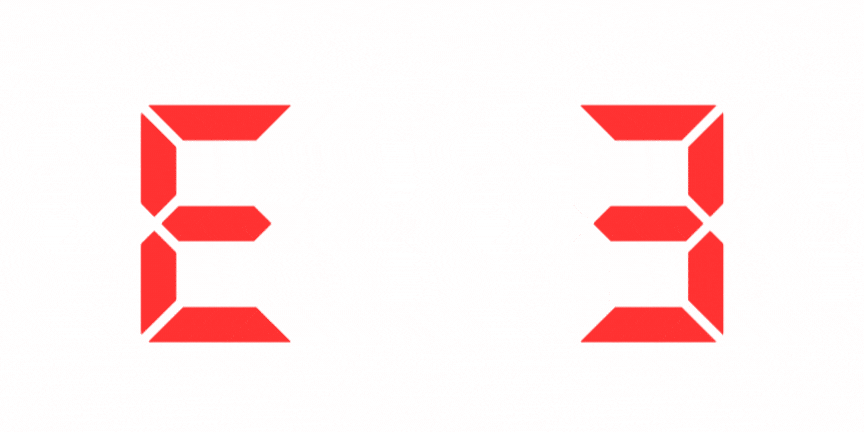
E3 Normal – Safety edge activated

Carriage UP safety edge has been activated

Check the carriage UP safety edge for obstruction

E4 Normal – Safety edge activated

carriage DOWN safety edge has been activated

Check the carriage DOWN safety edge for obstruction

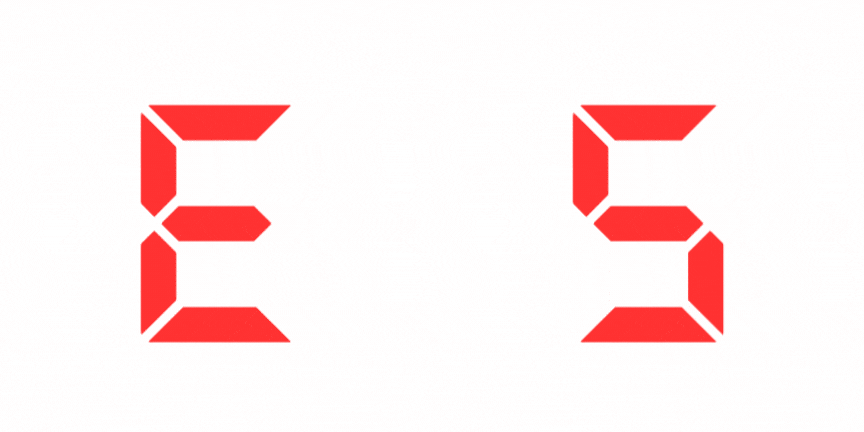
E5 Normal – Seat not in place

The stairlift seat is not in the riding position

Turn the seat back to the riding position

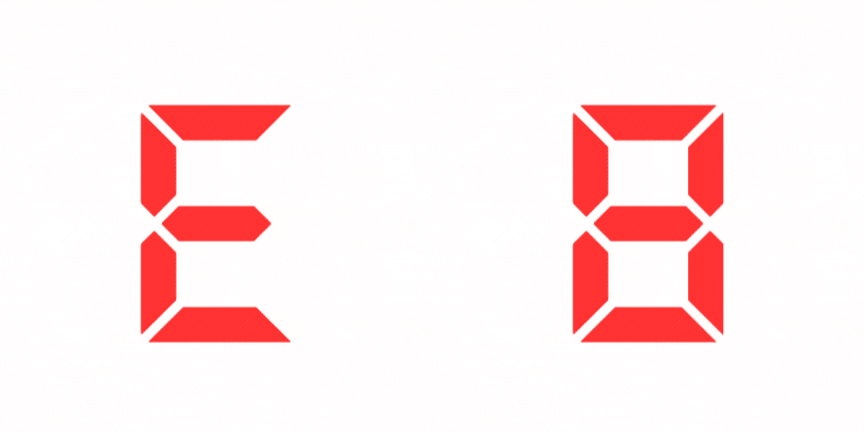
E8 Normal – Battery low

Battery requires charging

Activate the directional toggle switch and drive the stairlift to a charge point

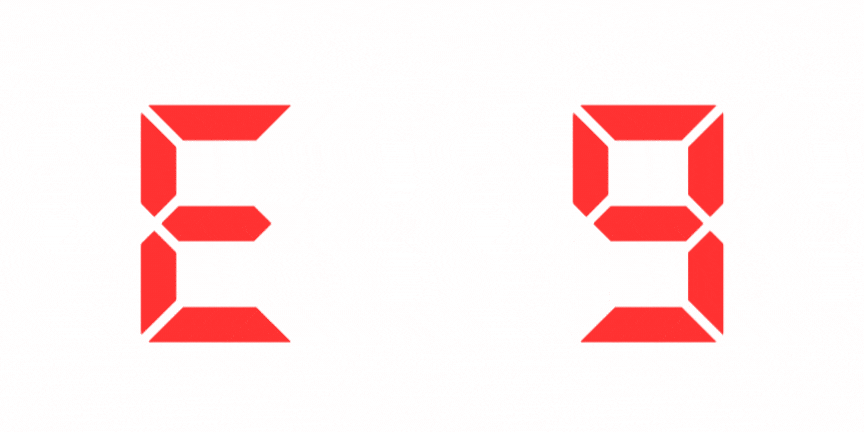
E9 Normal – Key switch off

Key switch is in the OFF position

Activate the directional toggle switch and drive the stairlift to a charge point

Hardware Fault Codes

Lift will not operate

H1 Normal – Multiple operating error

More than one error has occurred

Check that more than one of the faults in section 3 are not present, rectify if possible

H2 Normal – Multiple operating error

More than one error has occurred

Refer to section 3 if a different code is displayed after checking and rectifying

H3 Normal – Multiple operating error

More than one error has occurred

If not resolved please contact your authorize acorn dealer for assistance

H4 Fault – Safety device fault

More than one error has occurred, resulting in a safety device fault

Contact your authorized Acorn dealer for assistance

Charging Codes

Lift will operate as normal

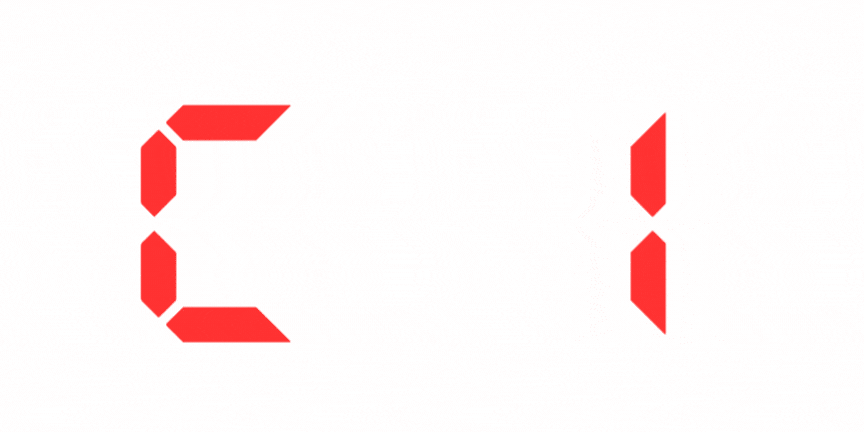
C1 Normal – Battery is charging

Charger connected and operating properly

Lift is operating normally

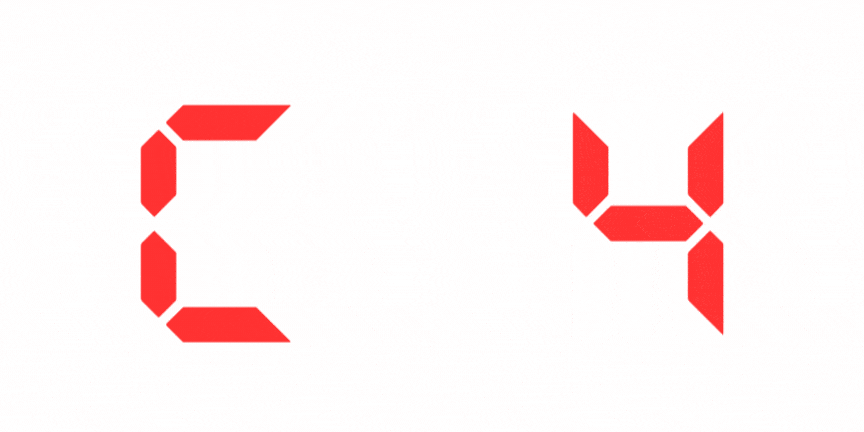
C4 Normal – Battery is fully charged

Charger connected but not charging – battery is at maximum charge capacity

Lift is operating normally

C5 Fault – Battery fault

Charger connected but not charging – battery is not found, or is faulty

Contact your authorized Acorn dealer for assitance

Standard Operating Codes

Lift will operate as normal

A1 Normal – No charge

LIFT WILL BEEP. The lift has been parked at the charge point, and is receiving no charge

Activate the directional paddle and drive the stairlift to a charge point. check that the mains supply has not been turned off

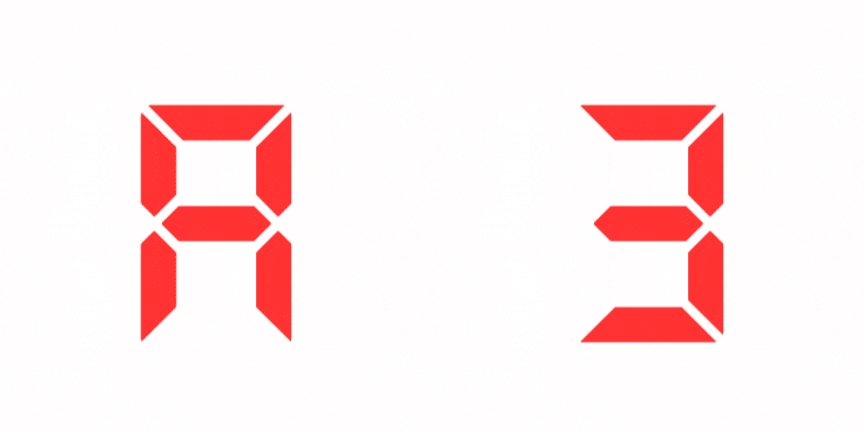
A2 Normal – Lift moving up

Lift is in operation and moving upward. Armrest toggle has been activated

Lift is operating normally

A3 Normal – Lift moving down

Lift is in operation and moving downward. Armrest toggle has been activated

Lift is operating normally

Fatal Error Codes

Lift will not operate

F1 Fault – Relay fault

Reset the stairlift (power off for 30 seconds)If not resolved contact your authorized Acorn dealer for assistance

F2 Fault – Brake fault

Reset the stairlift (power off for 30 seconds) Drive the stairlift to a charge point and let it charge for 1 hour. If not resolved contact your authorized Acorn dealer for assistance

F3 Fault – Motor fault

Reset the stairlift (power off for 30 seconds) If not resolved contact your authorized Acorn dealer for assistance

F4 Fault – Motor over-current

Reset the stairlift (power off for 30 seconds)If not resolved contact your authorized Acorn dealer for assistance

F5 Fault – Battery fault

Drive the stairlift down to a charge point and leave to charge

F6 Fault – Final limit overrun

Hand wind the stairlift up or down. If not resolved contact your authorized Acorn dealer for assistance

F7 Fault – OSG switch

Hand wind the stairlift up to reset the OSG

F8 Fault – System lock-out

Reset the stairlift (power off for 30 seconds) If not resolved contact your authorized Acorn dealer for assistance

GET YOUR FREE LIFT ASSESSMENT

  • This field is for validation purposes and should be left unchanged.